How to add an html file for review?
HTML files must be uploaded as a ZIP.
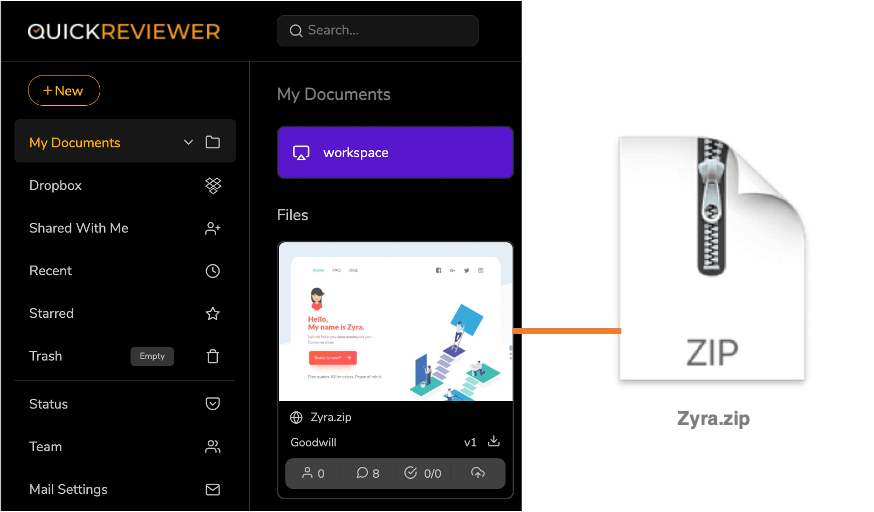
Create a ZIP of the HTML pages (emailer, e-newsletter, banner ads or even a compete website) that includes the html, css, js, image etc… Then drag and drop it into QuickReviewer or use ‘+ NEW’ > File Upload option in the left panel.
While the file extension remains .zip, the preview of the HTML file displays in the card.