Home
All Features
Solutions
Enterprises
Freelancers & Startups
Creative Agencies
API Solutions
Use Cases
Video & Animation
Web & Interactive
Publishers
Role
Marketing Teams
Creative & Design Teams
Project Managers
Editorial Teams
Pricing
Resources
Desktop Uploader
Integrations
Knowledge Base
Latest Updates
Video Tutorials
X
Login
Help Center
Learn how to set up, customize, and troubleshoot.
Home
›
Documentation
›
Homescreen
› What is ‘Shared with me’?
What is ‘Shared with me’?
Updated March 19, 2026 | Category
Homescreen
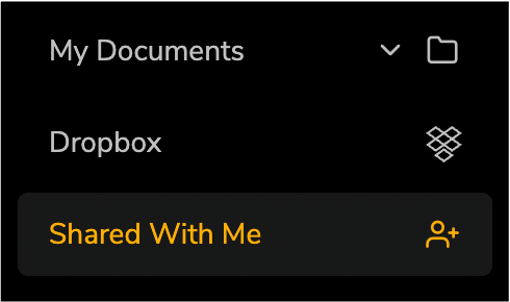
The Share With Me section shows all files and folders that have been shared with you for review. Double click any file to launch the proofing window.
Remember that shared Workspaces display in the My Documents section.