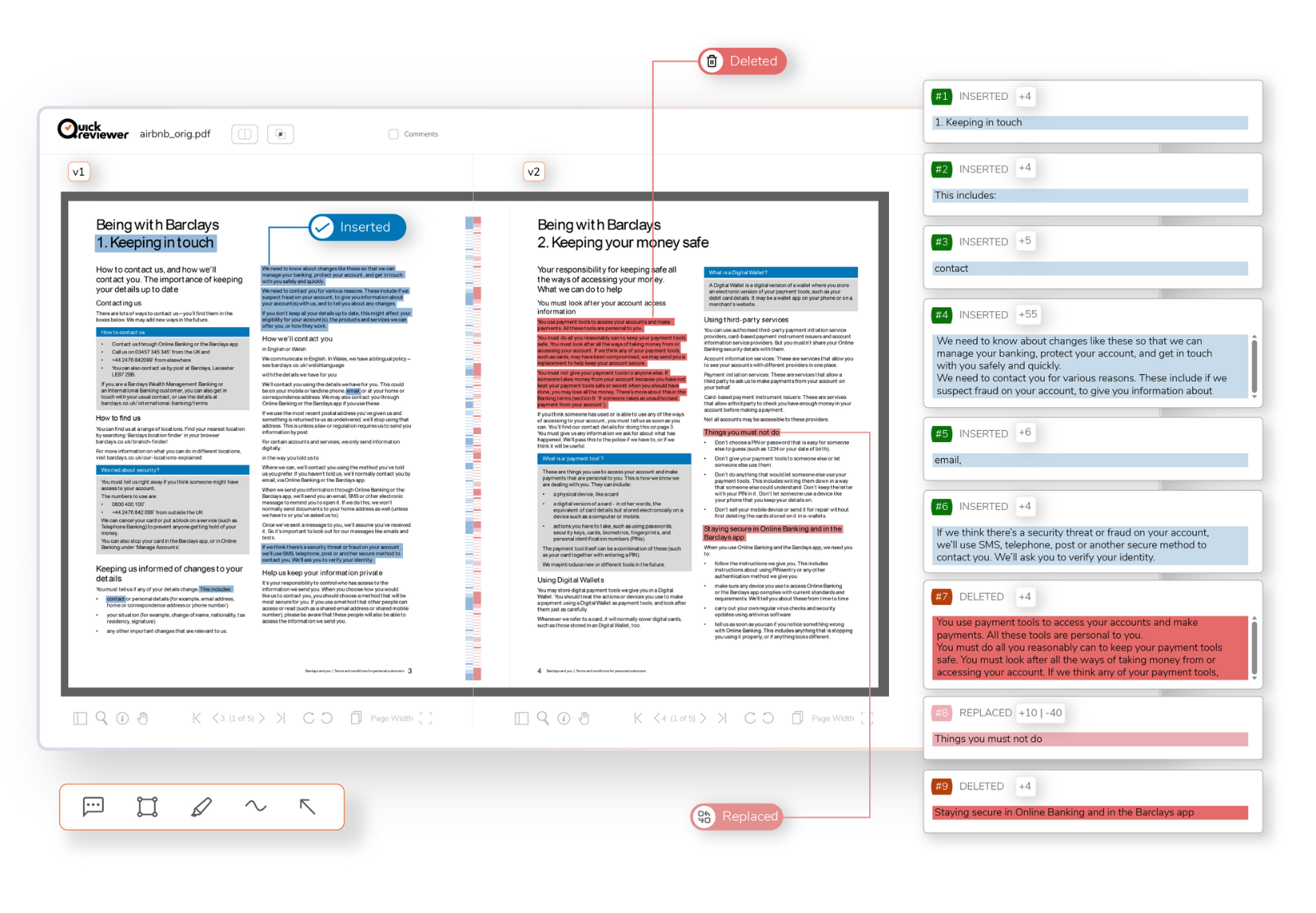
QuickReviewer's PDF Text Compare automatically highlights every text change between two PDF versions, ensuring you have complete confidence that nothing slips through.
Changes are clearly color-coded and marked—Inserted, Deleted, and Replaced—freeing your team to focus on strategic work instead of tedious proofreading.
Automatically catch every change between PDF versions to maintain high accuracy and confidently meet regulatory requirements.
Use Cases
Precise Document Comparison Across Industries
From legal reviews to academic research, QuickReviewer’s PDF Text Compare streamlines document version tracking and ensures no change goes unnoticed across industries.
PDF Text Compare is a tool in QuickReviewer for comparing documents. If you review other creative assets, QuickReviewer provides a streamlined workflow for all your content review needs.
Review Every File Type in One Platform
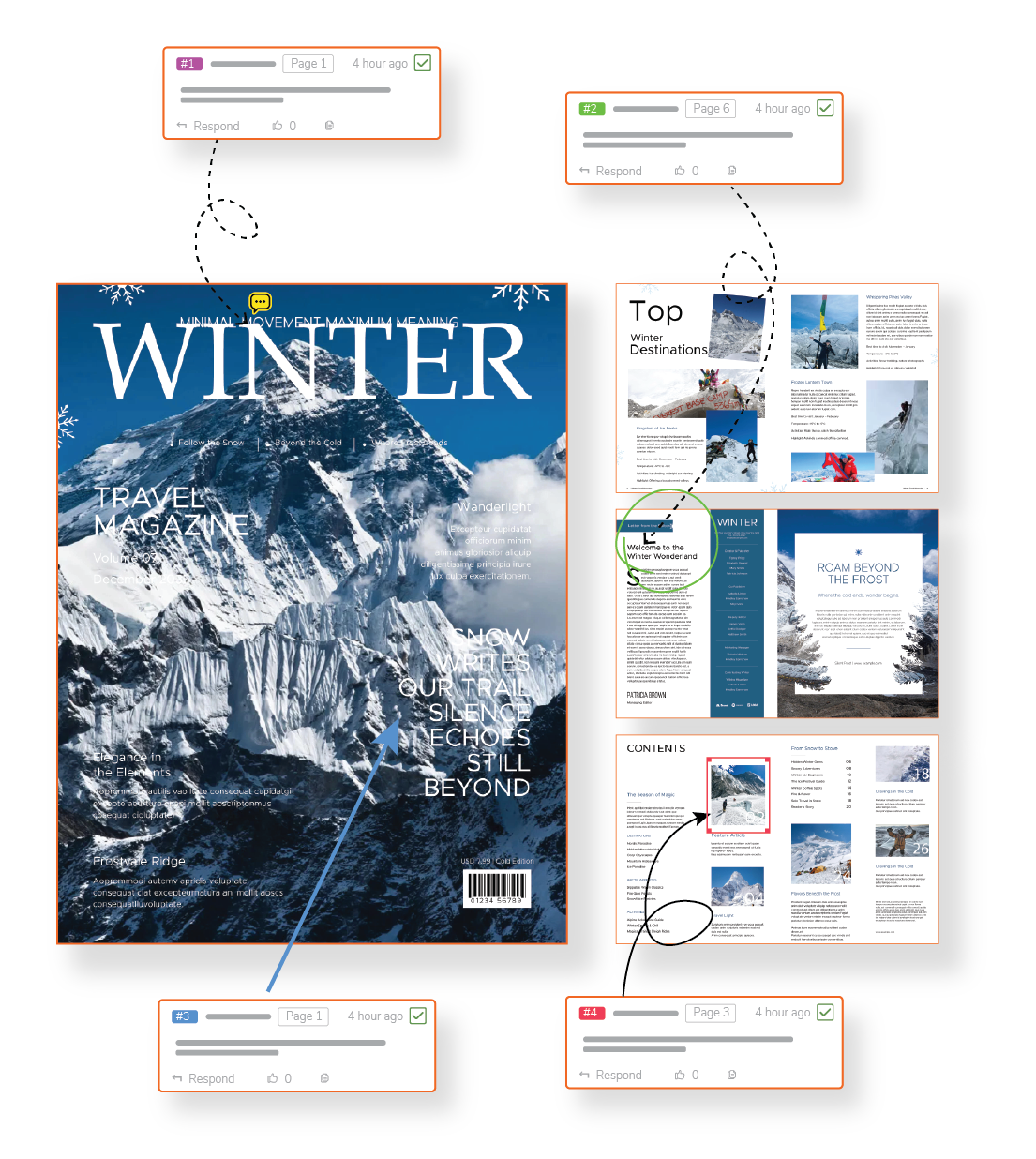
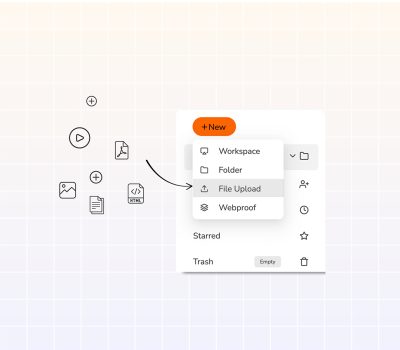
Why limit yourself to PDF comparison when you can review over 150 file types in a single interface? Manage everything from video and audio files to live websites, 3D models, Adobe Creative Cloud files, and interactive content—all using the same precise commenting and approval workflows.
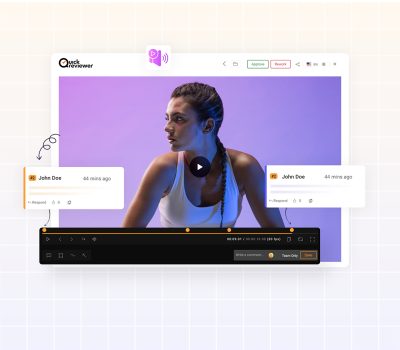
Frame-Perfect Video Review
Get time-stamped feedback on video projects with comments linked to specific frame numbers, removing guesswork that causes costly re-renders.
Live Website & Interactive Content Review
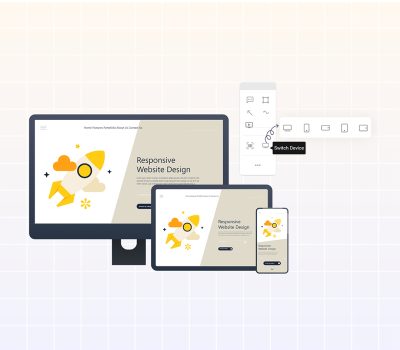
Review and annotate live websites, HTML5 banners, and interactive prototypes directly. Comments link to specific HTML elements, providing developers with precise context for fixes.
Version Comparison Beyond Text
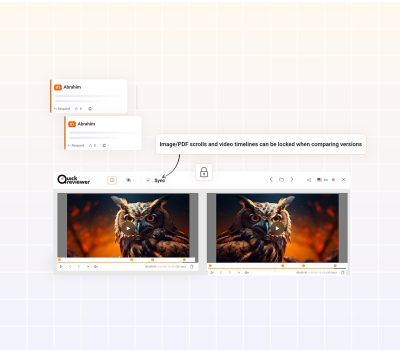
Compare video files frame-by-frame or review design documents side-by-side with synchronized scrolling, ensuring each iteration improves the last.
Automated Approval Workflows
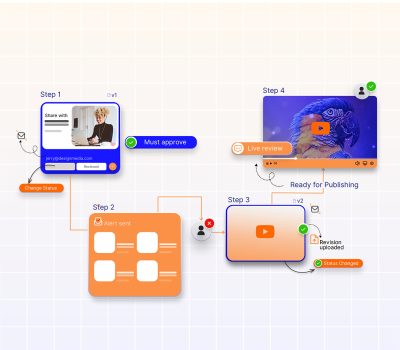
Create multi-stage approval workflows that automatically direct content from writer to editor to legal and final approvers, ensuring compliance with regulatory and editorial standards before approval.
Seamless Integration
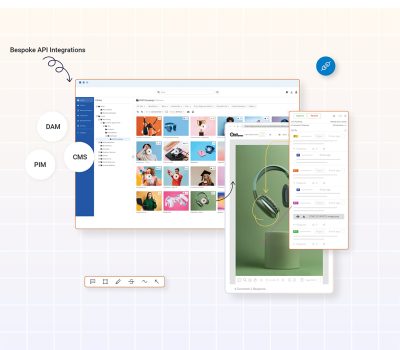
Connect directly to your existing workflow tools—Adobe Creative Cloud, Slack, Microsoft Teams, Google Drive, Box, Dropbox, and project management platforms like Jira, Asana, and Trello—helping your team stay productive in their preferred environments.